 TIME
TIME


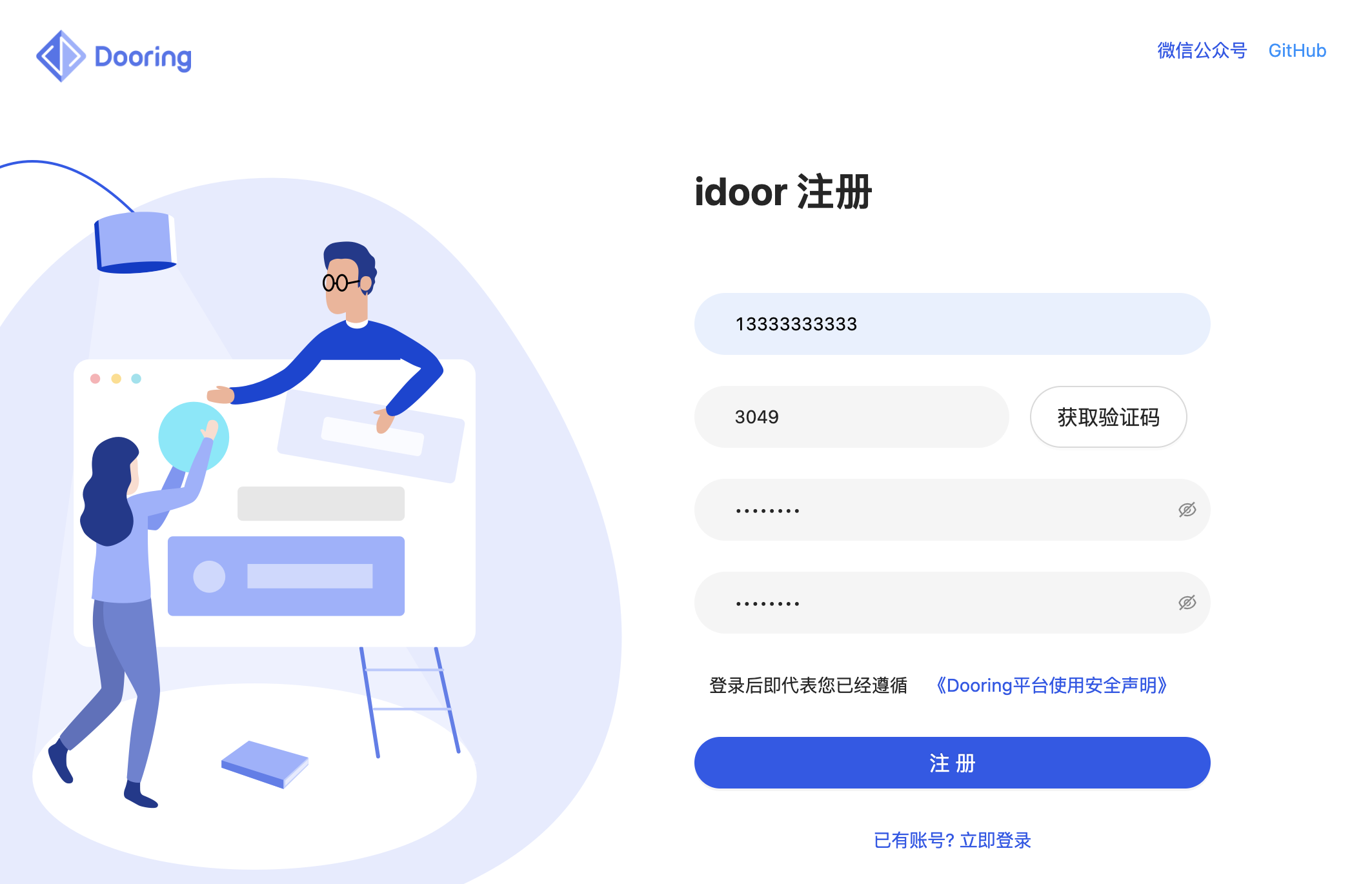
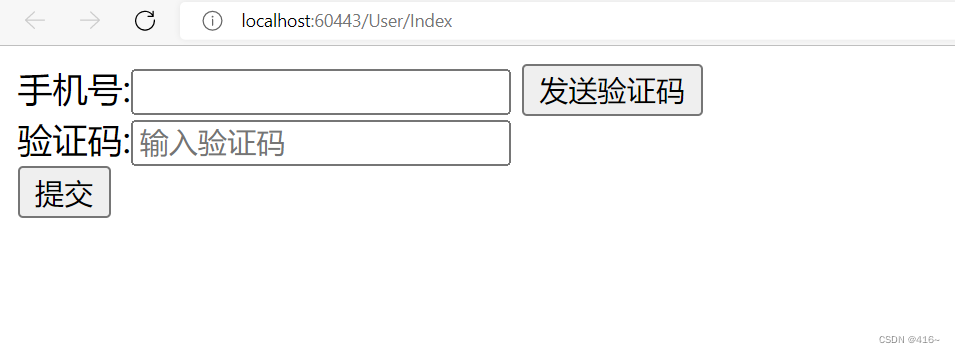
实现短信验证登录功能通常涉及前端和后端的交互。前端主要负责接收用户输入的手机号码和验证码,后端负责发送验证码,验证用户输入的验证码是否正确。这里是一个简单的使用JavaScript(前端)和Node.js(后端)实现的示例。请注意,这只是一个基本的示例,实际生产环境中需要考虑更多的安全性和效率问题。
前端部分(JavaScript):
// 获取手机号码输入框和验证码输入框的DOM元素
const phoneInput = document.querySelector(’#phone’);
const codeInput = document.querySelector(’#code’);
const submitBtn = document.querySelector(’#submit’);
// 当点击提交按钮时,触发发送验证码的函数
submitBtn.addEventListener(’click’, async () => {
    const phoneNumber = phoneInput.value;
    try {
        // 向后端发送请求,请求发送验证码
        const response = await fetch(’/sendCode’, {
            method: ’POST’,
            headers: {
                ’Content-Type’: ’application/json’,
            },
            body: JSON.stringify({ phoneNumber }),
        });
        if (response.ok) {
            alert(’验证码已发送到您的手机’);
        } else {
            alert(’请求发送验证码失败’);
        }
    } catch (error) {
        console.error(’Error:’, error);
        alert(’请求发送验证码失败’);
    }
});
// 当用户输入验证码后,触发验证函数
function verifyCode() {
    const code = codeInput.value;
    // 向后端发送请求,验证验证码
    fetch(’/verifyCode’, {
        method: ’POST’,
        headers: {
            ’Content-Type’: ’application/json’,
        },
        body: JSON.stringify({ code }),
    })
    .then(response => {
        if (response.ok) {
            alert(’登录成功’);
            // 这里可以跳转到应用的主界面
        } else {
            alert(’验证码错误’);
        }
    })
    .catch(error => {
        console.error(’Error:’, error);
        alert(’验证失败’);
    });
}
后端部分(Node.js + Express):
你需要安装express和body-parser库来处理HTTP请求,你可以使用npm来安装这些库:npm install express body-parser,然后你可以创建一个简单的Express服务器来处理请求,这里只是一个基本的示例,你需要根据你的实际需求来扩展和修改它。
注意:在实际生产环境中,发送短信验证码的功能通常会使用第三方服务(如云通信服务),并且需要处理各种安全问题(如防止短信轰炸等),这里只是简单演示一下基本流程。
后端代码(Node.js + Express):
const express = require(’express’);
const bodyParser = require(’body-parser’);
const app = express();
app.use(bodyParser.json()); // for parsing application/json requests
app.use(bodyParser.urlencoded({ extended: true })); // for parsing application/x-www-form-urlencoded requests
app.use(express.static(__dirname)); // serve static files from the project directory
const PORT = process.env.PORT || 3000; // set the port to listen on to 3000 or a different one if defined in environment variables
app.listen(PORT); // listen on the specified port
app.post(’/sendCode’, (req, res) => { // handle the POST request to send code
    // 这里调用第三方服务发送验证码到用户的手机,然后返回相应的响应给前端
});
app.post(’/verifyCode’, (req, res) => { // handle the POST request to verify code
    // 这里验证用户输入的验证码是否正确,然后返回相应的响应给前端
});